Enter values on the left side of the equation and one of the two values on the right side then click calculate
| = |
| ||||||||||||
| Ratio: | ||||||||||||||
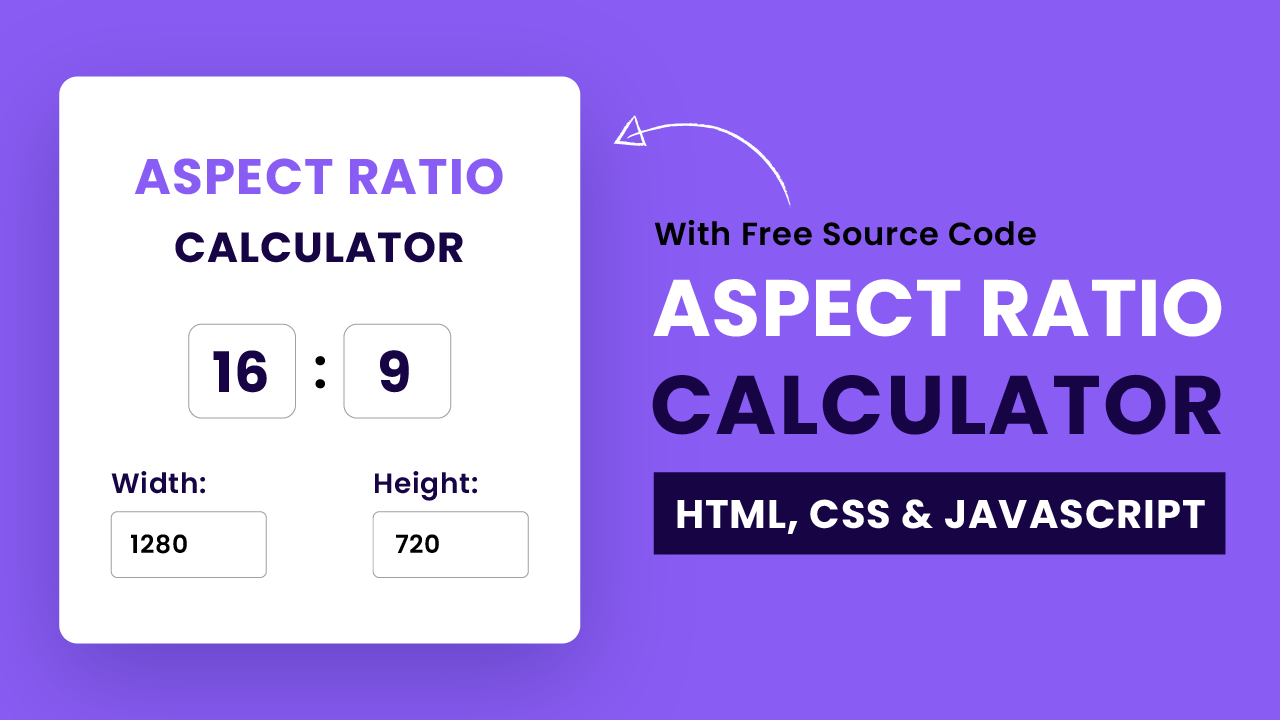
Aspect Ratio Calculator: How to Calculate Aspect Ratio for Images and Videos
As website owners and content creators, we are always looking for ways to improve the quality of our content and make it more visually appealing. One of the ways we can do this is by using images and videos with the correct aspect ratio. The aspect ratio of an image or video refers to the proportional relationship between its width and height. In this article, we will explain what aspect ratio is, why it is important, and how to calculate it using an aspect ratio calculator.
What is Aspect Ratio?
Aspect ratio is the relationship between the width and height of an image or video. It is expressed as two numbers separated by a colon, such as 16:9 or 4:3. The first number represents the width of the image or video, while the second number represents its height. For example, an image with an aspect ratio of 4:3 has a width that is 4 times the height.
Why is Aspect Ratio Important?
Using the correct aspect ratio is important because it affects how an image or video appears on different devices and platforms. If an image or video has the wrong aspect ratio, it may appear stretched or distorted, which can negatively impact the user experience. In addition, using images and videos with the correct aspect ratio can help improve the overall aesthetics of your website or content.
How to Calculate Aspect Ratio
Calculating aspect ratio is easy, and can be done using an aspect ratio calculator. There are several online aspect ratio calculators available that can help you determine the correct aspect ratio for your images and videos. To use an aspect ratio calculator, simply enter the width and height of your image or video, and the calculator will provide you with the correct aspect ratio.
One of the best aspect ratio calculators available is the Aspect Ratio Calculator by Omni. This calculator allows you to calculate the aspect ratio of both images and videos, and provides you with a range of common aspect ratios to choose from. To use the Omni Aspect Ratio Calculator, simply follow these steps:
- Go to the Omni Aspect Ratio Calculator website.
- Enter the width and height of your image or video.
- Select the aspect ratio you want to use.
- Click on the "Calculate" button.
- The calculator will provide you with the correct aspect ratio.
Using the correct aspect ratio is important for creating high-quality content that looks great on all devices and platforms. By using an aspect ratio calculator like the Omni Aspect Ratio Calculator, you can easily calculate the correct aspect ratio for your images and videos, and improve the overall aesthetics of your website or content.
Conclusion
Aspect ratio is an important aspect of creating high-quality content that looks great on all devices and platforms. Using the correct aspect ratio can improve the user experience and help make your website or content more visually appealing. Calculating aspect ratio is easy, and can be done using an aspect ratio calculator like the Omni Aspect Ratio Calculator.



